Google Docs Embed

Install and open the Google Docs Automation & Embed App in your monday.com board.
For Board view, Dashboard Widget and Docs widget:
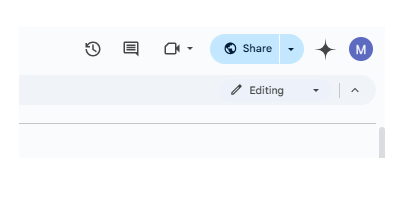
- Select the share option from top right of your Google Docs page.
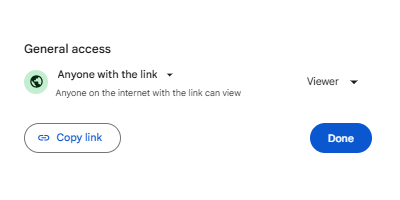
- Choose who you want to share the doc with. You can either keep it restricted to yourself or add email of team members individually. As long as the said email id is logged-in on browser, the user will have edit access. Copy Link.
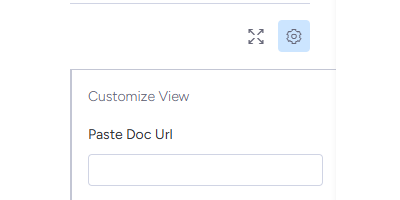
- Paste the URL of the Document in the settings menu of your embed board view or widget view.
For Item View:
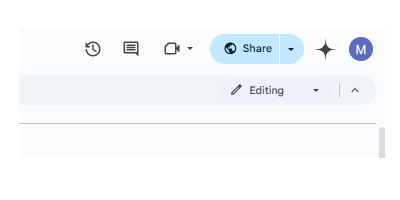
- Select the share option from top right of your Google Docs page.
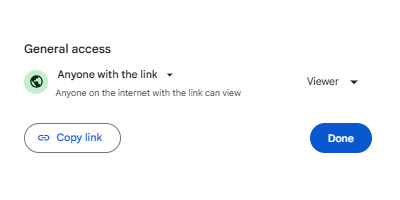
- Copy URL.
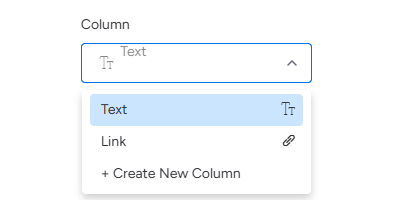
- Keep a Text/Link column in your board with the links to Docs. Select the column after opening the app in your embed item view.